
Charging with the Galvanic app, step by step
How residents charge at EVC condo stations with the Galvanic app in 6 steps, plus what to check if charging won't start or something looks wrong.
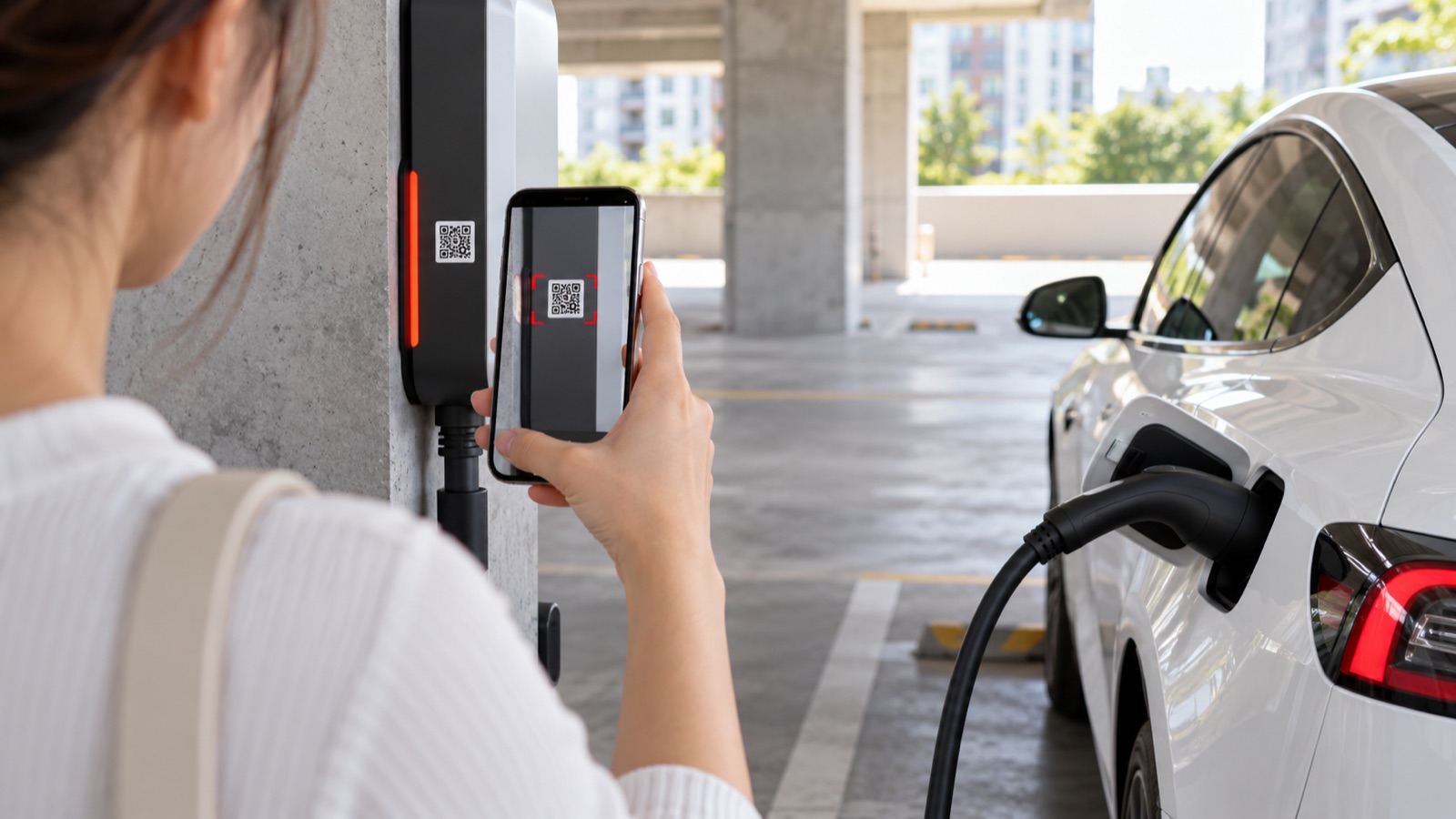
EVC charging stations in condos run on the Galvanic app. No cards, no coins, no need to contact the management office. This guide walks residents through their first charge.
Charge in 6 steps
-
Download the app and log in
Search for "Galvanic" in the App Store or Google Play and log in. You only do this once.
-
Plug in
Park in a charging bay and plug the Type 2 connector firmly into your car's charging port.
-
Check in and scan the QR code
In the app, select "Check-in", scan the QR code on the charging head, then select Next.
-
Start charging
Select Start Charging. The app shows the charging status, so you don't need to wait by the car.
-
Stop charging
When you've charged enough, select Stop Charging, unplug the connector and put it back neatly.
-
Check the record and pay
Review the charging record in the app and pay with PromptPay or a credit card.
See the full app guide (PDF).
Charging won't start? Check these first
- The connector is fully plugged into the car
- You've checked in and scanned the QR code on the charger you're using
- Your phone is connected to the internet
Still stuck? Call the Galvanic call center on 093-164-7993, 24 hours a day. The number and instructions are also on the sign at each charger.
If you see smoke, a burning smell or sparks
- Press the red emergency stop button on the charger
- Move away from the car and charger, then call 199
- Don't unplug the cable by hand, and don't use lifts when evacuating
- Notify the juristic person and the Galvanic call center
Read the full plan in what to do if there's a fire at a condo EV charging station.
Shared charger etiquette
- Move your car when charging is done so others can use the bay
- Put the cable back; don't leave it across the driveway
- If a cable is damaged or a charger seems faulty, stop using it and call the Galvanic call center
Wondering how long charging takes? Read how long it takes to charge an EV.
Frequently asked questions
Where can I download the Galvanic app?
Search for Galvanic in the App Store (iOS) or Google Play (Android). It's free; download it and log in.
How do I pay for charging?
After you stop charging, check the record in the app and pay with PromptPay or a credit card.
Can I stop before the battery is full?
Yes. Select Stop Charging in the app at any time, then unplug the connector from your car.
What if charging won't start?
Check three things before calling: the connector is fully plugged in, you've checked in and scanned the QR code on the charger you're using, and your phone is online. If it still won't start, call the Galvanic call center on 093-164-7993, 24 hours a day.
Sources and standards
Newsletter
Get new articles by email
EV charging know-how for condos and buildings, every two weeks.
Related articles
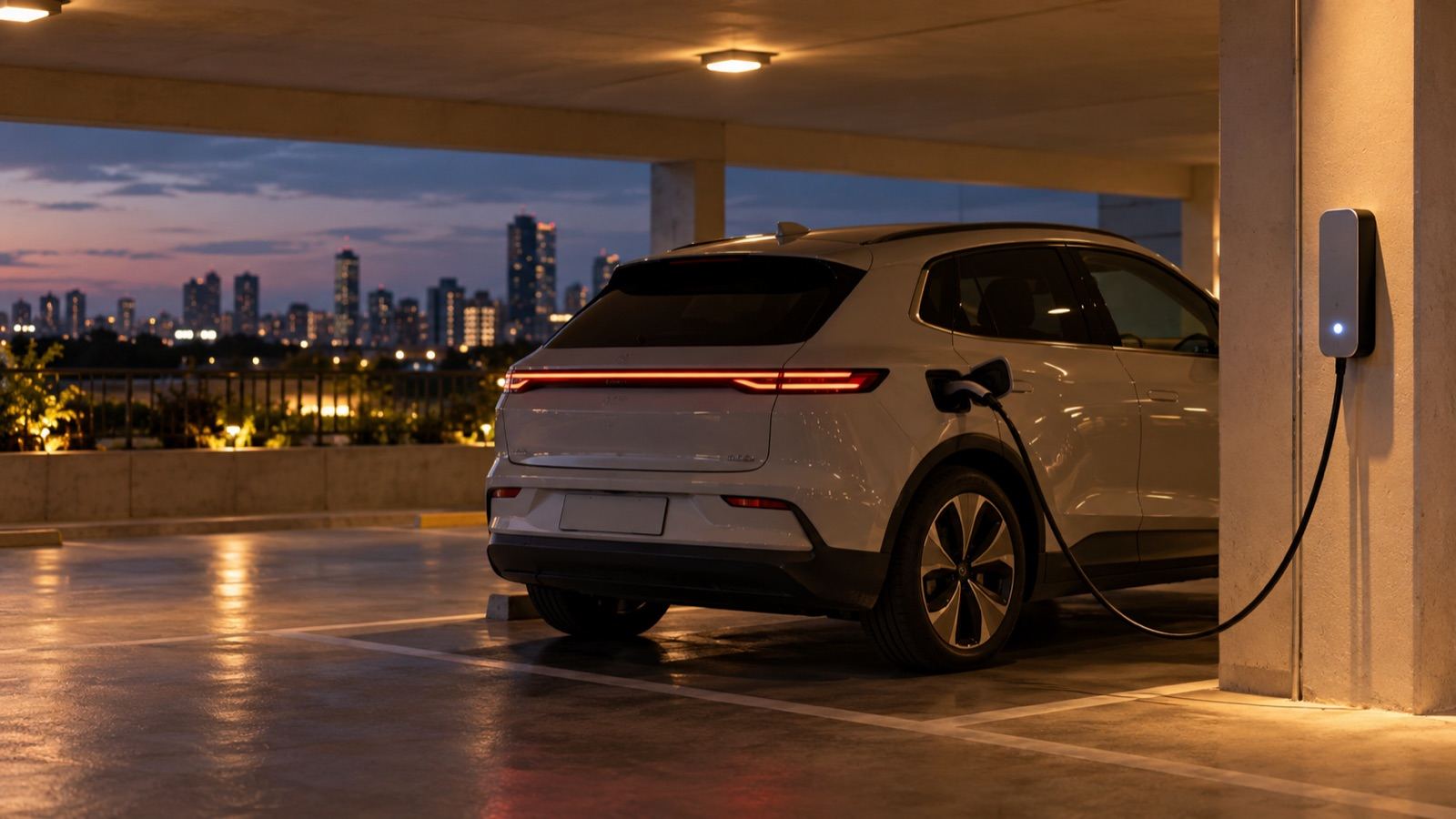
How long does it take to charge an EV? Why 22 kW isn't always faster
Charging time depends on the car's on-board charger; here's how to estimate it
Read more →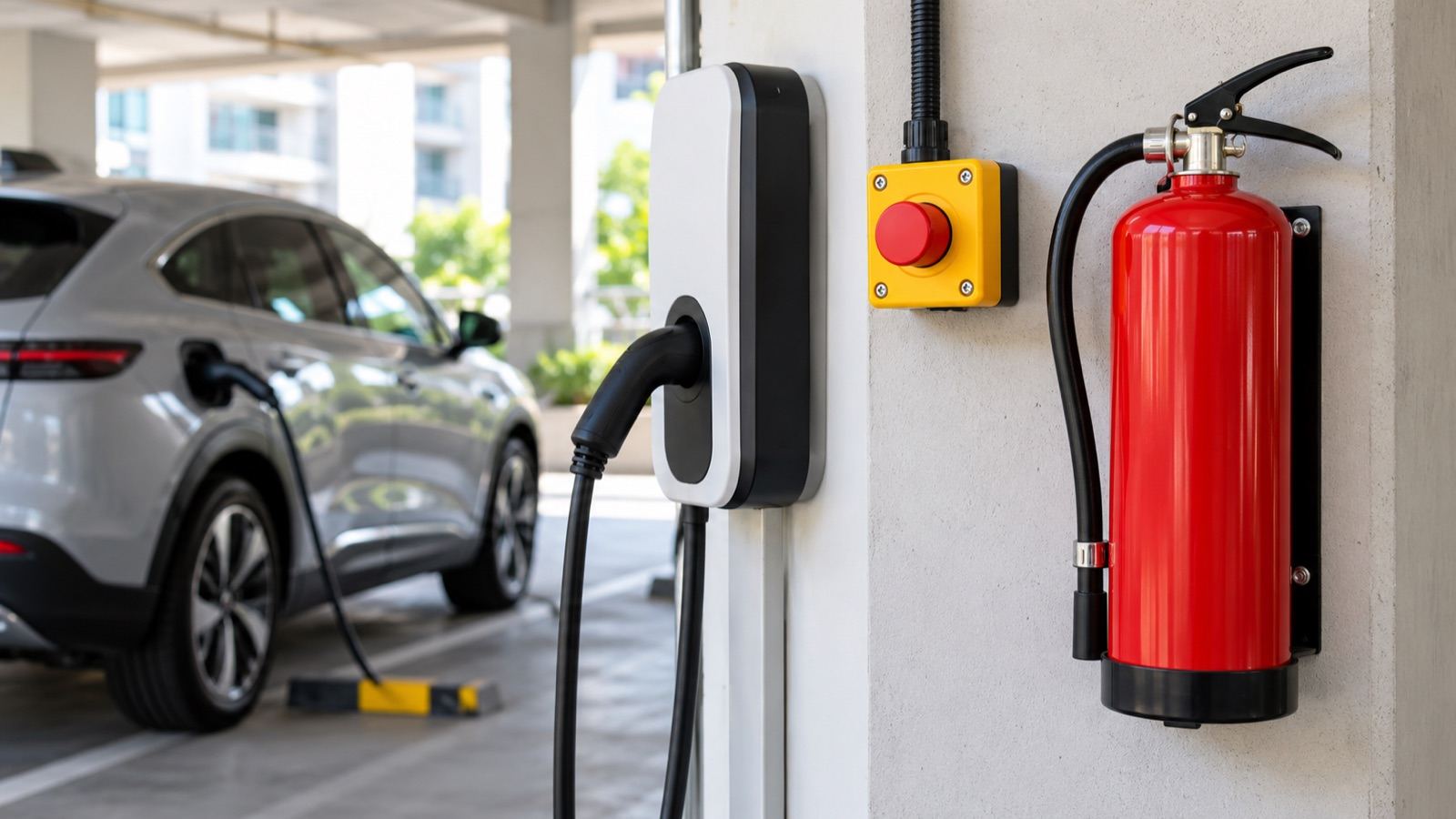
What to do if there's a fire at a condo EV charging station
Why incidents usually involve the car's battery, and how to handle battery and electrical fires
Read more →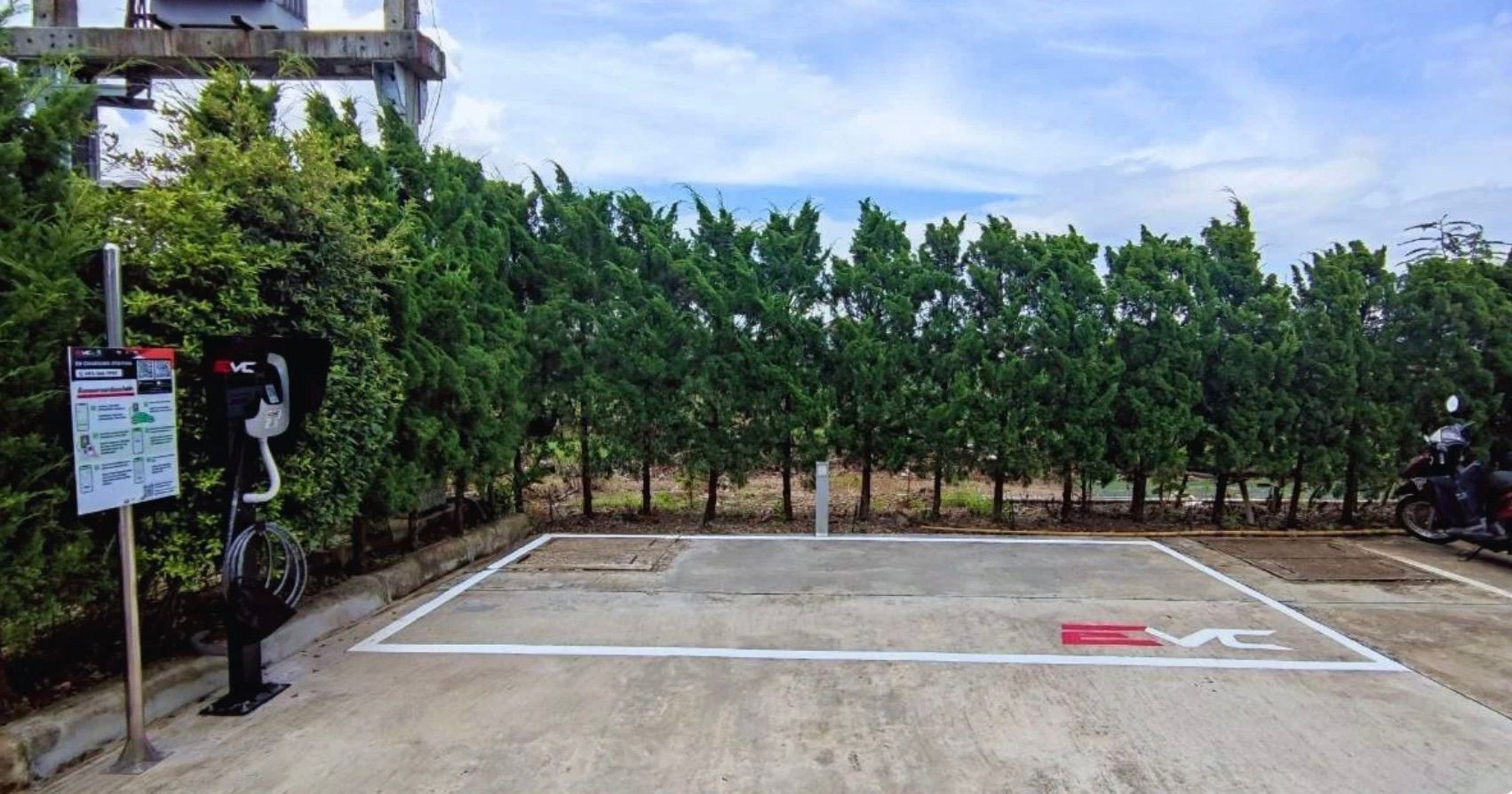
How to get started with EV chargers in your condo
Every step from site survey and electrical design to opening for residents, with zero investment from the condo
Read more →